 aybla
aybla
Introducción
Somos una plataforma exclusiva que actúa como portal de contacto entre usuarios para la búsqueda y prestación de servicios en el sector de artistas y entretenimiento sin intermediarios, donde puedes encontrar y brindar tu talento de forma directa.
Usuario Asistente
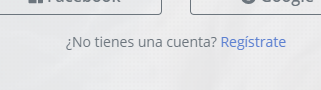
Antes de comenzar debes crear una cuenta en Raybla, primero debes ir a la opción “Regístrate” que se encuentra en la parte inferior
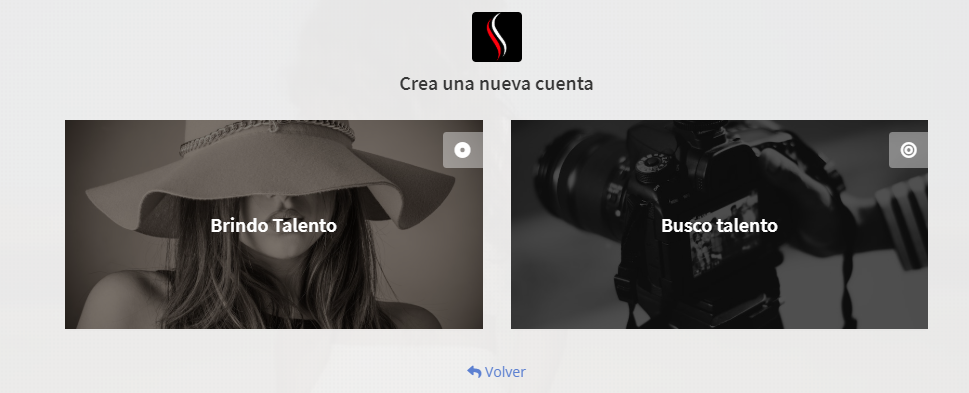
Selecciona la opción "Brindo Talento" para ofrecer tus servicios
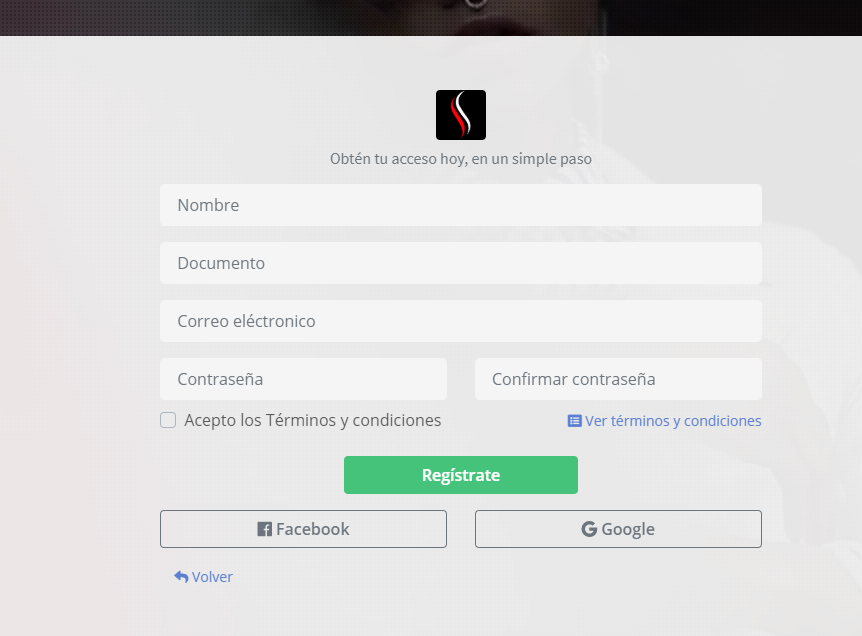
Completa los datos del formulario y pulsa en el botón Registrate
Tan pronto se realice el registro ya puedes ingresar a tu cuenta mediante el correo electronico y la contraseña proporcionada
Lo primero que debes hacer es la configuración de tu cuenta, en el inicio de tu perfil encontraras un listado de los paso a completar para activar tu cuenta
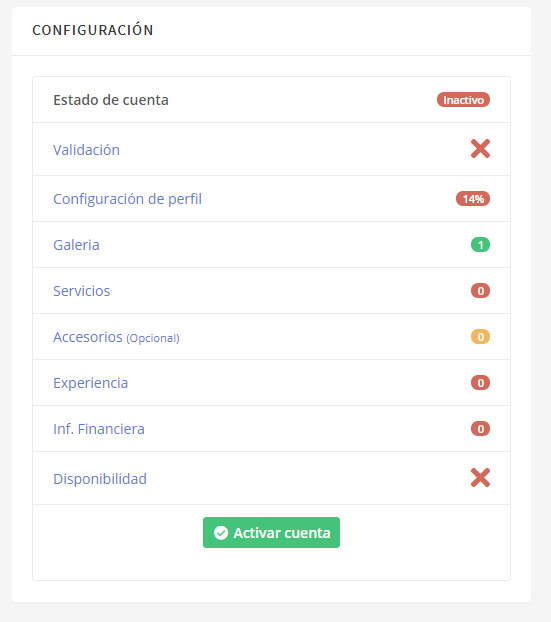
Es importante validar tu correo electrónico

Debes subir una foto de tu rostro para validar tu identidad
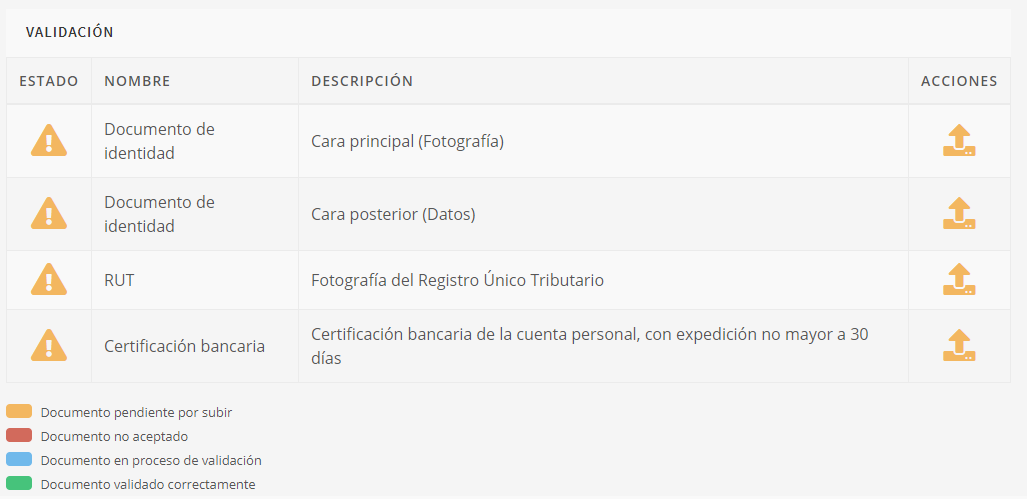
Una vez cargada la foto de tu rostro, y, completada la configuración de tu perfil, Raybla activará tu cuenta dentro de las 48 horas siguientes.
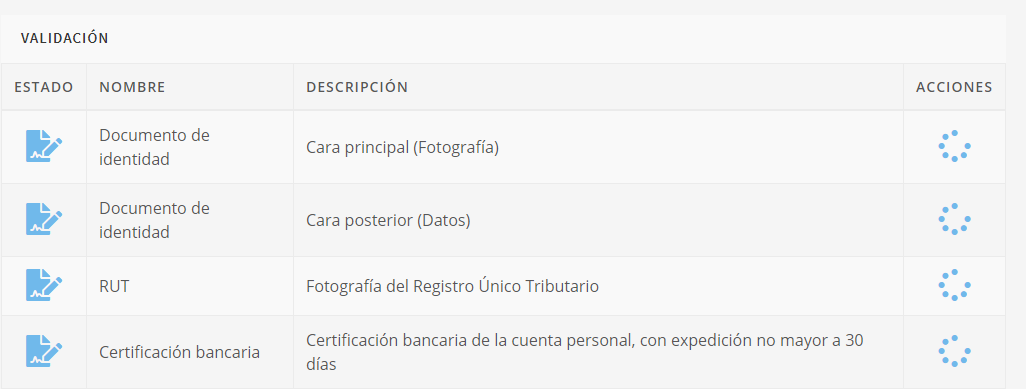
Debes completar tu perfil para tu seguridad, en la opción ver perfil puedes ver cómo te ven los usuarios solicitantes que buscan tu talento.
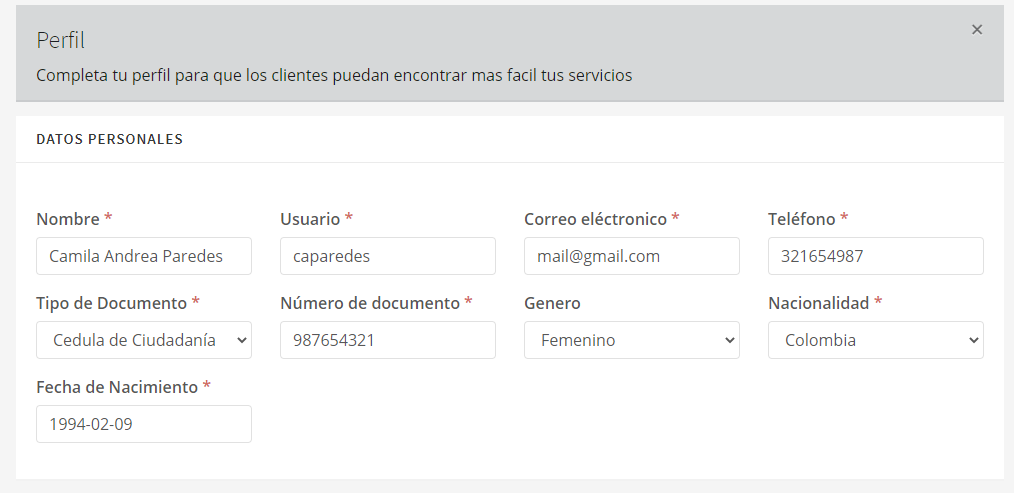
Los campos marcados con * son obligatorios
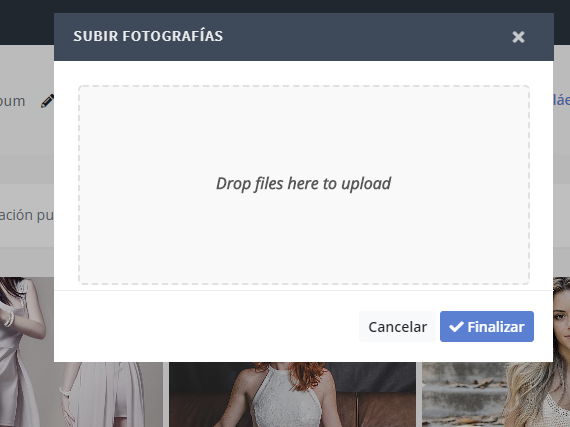
Dentro de la opción de galería puedes subir videos y crear álbumes de fotos e imágenes para mostrar tu talento.
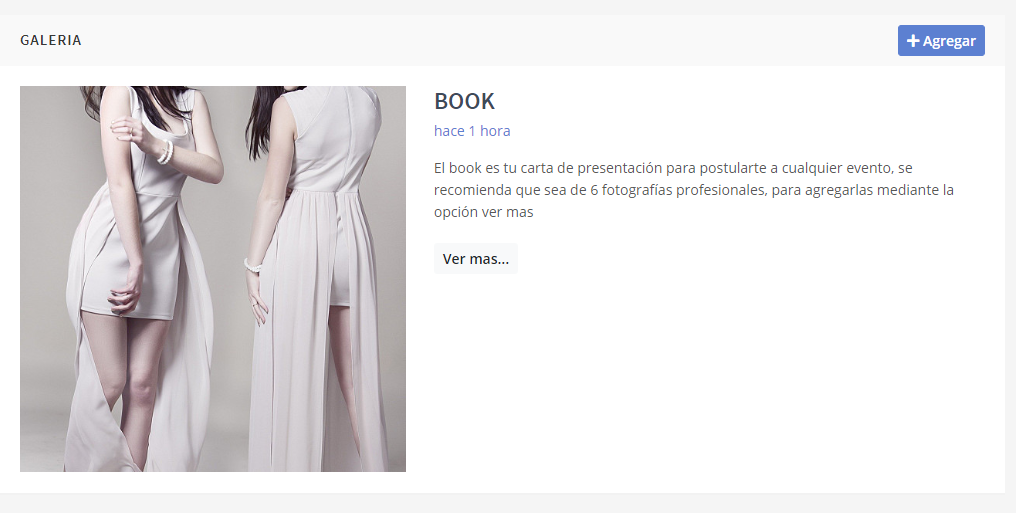
Para agregar imagenes solo es necesario pulsar en el botón ver mas y seleccionar las imagenes que se desean subir
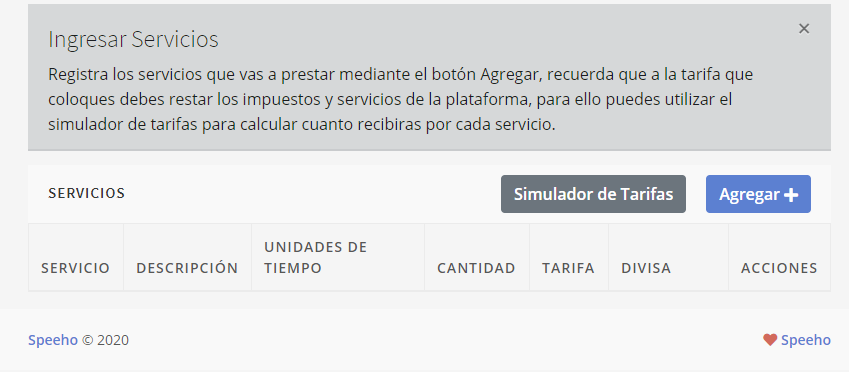
Registra los talentos que vas a brindar, no olvides colocar una tarifa acorde a tu experiencia, recuerda que siempre utilizar el simulador de tarifas para calcular cuánto recibirás por cada solicitud cumplida.
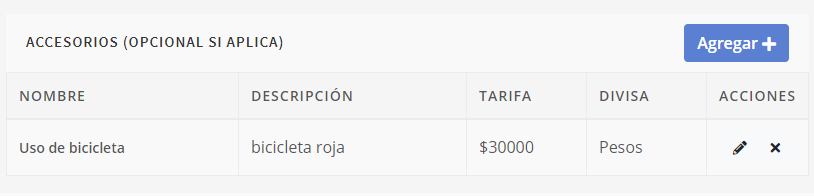
Registra los accesorios con los que cuentas y puedes utilizar para cumplir una solicitud
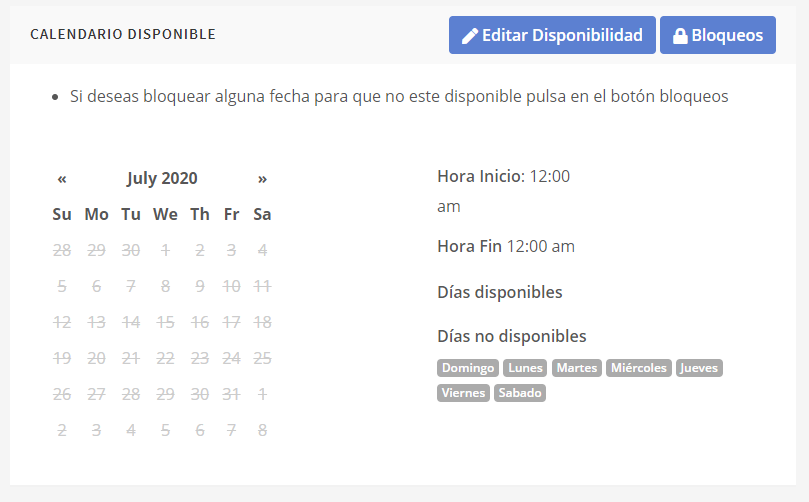
Controla tu disponibilidad, Puedes bloquear días, semanas o meses, en los que no estarás disponible por medio de la opción bloqueos. Acá hay un cuadro donde se muestra calendario, botón de disponibilidad y botón de bloqueos.
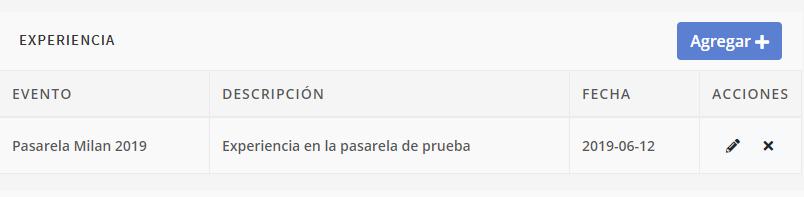
Registra y describe tus experiencias para que los usuarios decidan hacerte más solicitudes.
Usuario que Busca Talento
Antes de comenzar debes crear una cuenta en Raybla, primero debes ir a la opción “Regístrate” que se encuentra en la parte inferior
Selecciona la opción "Brindo Talento" para ofrecer tus servicios
Completa los datos del formulario y pulsa en el botón Registrate
Tan pronto se realice el registro ya puedes ingresar a tu cuenta mediante el correo electronico y la contraseña proporcionada